
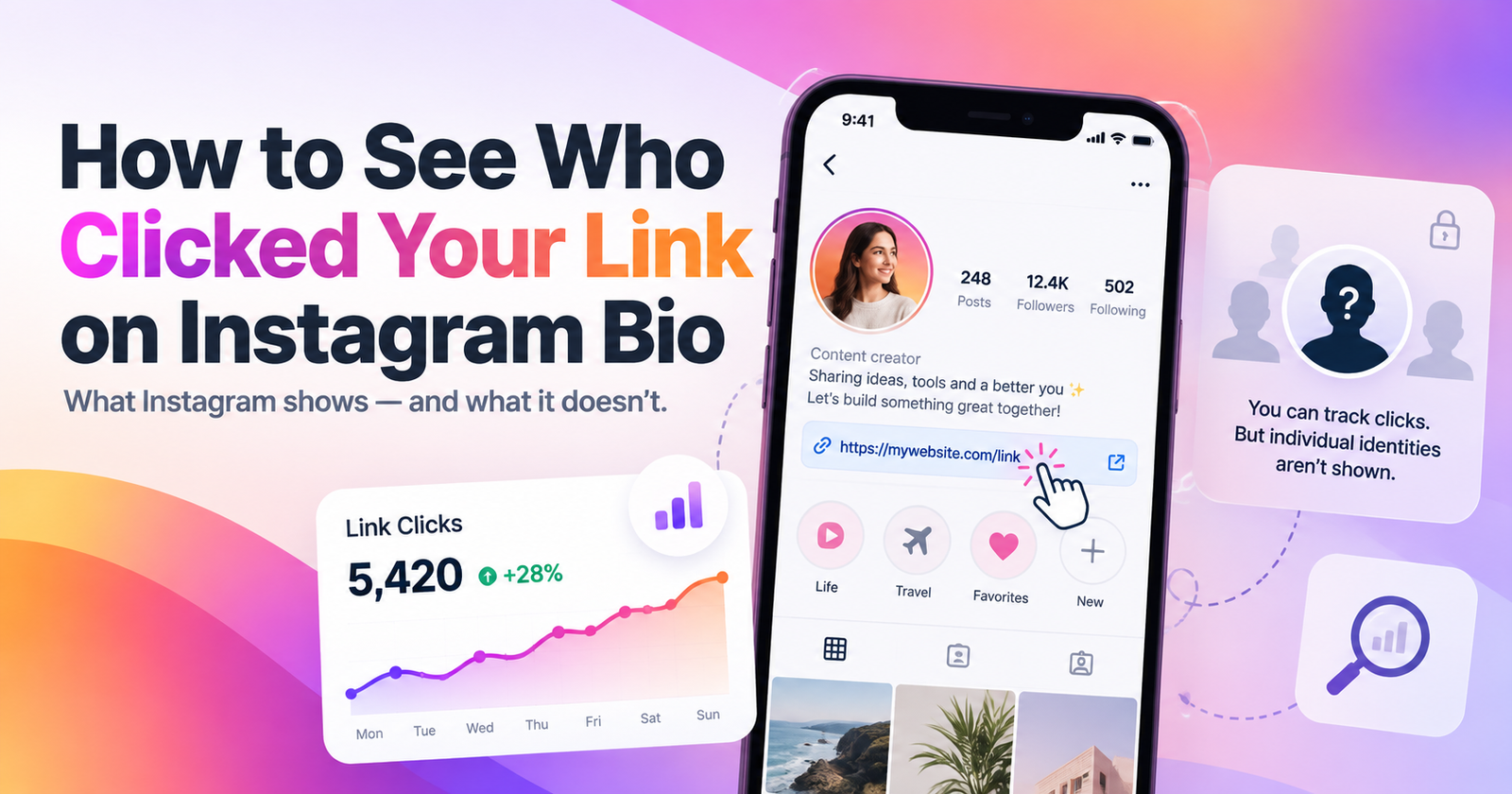
How to See Who Clicked Your Link on Instagram Bio
If you’ve added a website, shop, blog, or affiliate link to your Instagram bio, you may be wondering how to see who clicked your link on Instagram bio. The short answer is that Instagram does not show you the names or usernames of individual people who click your bio link.
However, that doesn’t mean you’re completely in the dark. If you use a professional Instagram account, you can check Instagram Insights to see overall link activity and profile interactions. You can also use tools like Linktree or Google Analytics with UTM tracking to learn more about where your clicks are coming from and what visitors do after leaving Instagram.
In this guide, we’ll explain exactly what Instagram lets you see, what it doesn’t, and the best ways to track your bio link clicks accurately without relying on misleading third-party apps.
Read more: Get Unlimited Instagram captions ideas.
Instagram may show you the number of link taps through Insights, but it does not reveal the names, usernames, or profiles of individual people who clicked.
- Total link clicks or taps
- Traffic from Instagram using Google Analytics
- Link performance with tools like Linktree
Important: Third-party tools can provide more analytics, but they cannot normally reveal the Instagram username of someone who clicked your link.
- Can You See Who Clicked Your Instagram Bio Link?
- How to Check Instagram Bio Link Clicks
- How to See How Many People Clicked Your Instagram Bio Link
- Can Instagram Insights Show Who Clicked Your Link?
- How to Track Instagram Bio Link Clicks With Linktree
- How to Track Instagram Bio Traffic With Google Analytics
- How to Use UTM Parameters for Instagram Bio Links
- Can Third-Party Apps Show Exactly Who Clicked Your Instagram Link?
- Can Someone Tell If You Click Their Instagram Bio Link?
- Does Instagram Notify Someone When You Click Their Bio Link?
- How to Know Which Instagram Content Is Driving Bio Link Clicks
- Frequently Asked Questions
- Conclusion
Can You See Who Clicked Your Instagram Bio Link?
No. Instagram does not give you a list of the people who clicked a link in your bio.
This means you cannot open Instagram Insights and see usernames, profile pictures, or names of individual visitors who tapped your link. Instagram only provides aggregate activity, such as the number of link taps available in your account insights.
So, if your bio link received 50 taps, you may be able to see that people clicked it 50 times, but you cannot tell which 50 Instagram users were responsible for those clicks.
This is different from some other Instagram interactions. For example, you can see who liked a post or viewed an eligible Story, but bio link clicks are not presented as a list of individual accounts.
Be careful with apps or websites claiming they can reveal exactly who clicked your Instagram bio link. Instagram does not provide third-party analytics tools with a list of usernames attached to ordinary bio link clicks.
How to Check Instagram Bio Link Clicks
If you use a professional Instagram account, Instagram Insights is the first place to check your profile’s link activity.
Open Instagram and go to your profile, then open your Professional dashboard or Insights. Look through your account or profile activity for a link-related metric. Depending on the version of Instagram you are using, the wording may appear as something similar to external link taps, website taps, or link clicks. Instagram changes its Insights layout and metric labels from time to time.
The important thing to understand is that this data tells you how many taps occurred, not who made them.
If you don’t see the same menu or metric shown in an older tutorial, don’t assume the feature has disappeared. Instagram regularly changes where Insights metrics appear, so look through the current profile activity and Insights sections of your app.
How to See How Many People Clicked Your Instagram Bio Link
Instagram’s built-in analytics can help you measure interest in your bio link, but there is an important difference between clicks and people.
A click or tap count represents an action. It does not necessarily mean the same number of unique people visited your link.
For example, one person could tap your bio link more than once. If Instagram reports 100 link taps, you should not automatically interpret that as 100 different people.
For more useful tracking, compare your link activity over different periods. You might check whether link taps increase after:
- Publishing a Reel with a strong call to action
- Posting a Story that tells people to visit your bio
- Launching a new product or blog post
- Changing the wording of your Instagram bio
- Moving your most important link to a more prominent position
This won’t tell you exactly who clicked your Instagram bio link, but it can help you understand which content and promotions are generating more interest.
Can Instagram Insights Show Who Clicked Your Link?
Instagram Insights cannot show you the username of each person who clicked your bio link.
Insights are designed to help creators and businesses measure performance using totals and broader engagement data rather than providing an identity-level history of every link visitor. Current link-click reporting is aggregate rather than a list of individual Instagram accounts.
In other words, Instagram Insights can answer a question such as:
“Are people clicking my profile link?”
But it cannot answer:
“Did @username123 click my profile link?”
There is also no Instagram notification sent to you every time someone taps your bio link.
This works both ways. If you click another person’s regular Instagram bio link, Instagram does not provide that account owner with a notification saying that your username clicked it.
Keep in mind that the website you visit may have its own analytics or tracking technologies. That is separate from Instagram revealing your username to the account owner.
How to Track Instagram Bio Link Clicks With Linktree
If you want more information than Instagram’s basic link activity provides, you can use a link-in-bio platform such as Linktree.
Instead of putting your website directly in your Instagram bio, you add your Linktree URL. Visitors tap that link and arrive at a page containing the destinations you want to promote.
Linktree Insights can track metrics including views, total clicks, unique clicks, click rate, and traffic sources. Depending on the Linktree plan, additional analytics can include locations, devices, referrers, and individual link performance.
A simple setup looks like this:
- Create your Linktree page.
- Add the links you want visitors to see.
- Copy your Linktree URL.
- Add it to the Links section of your Instagram profile.
- Let it collect data as people visit and click.
- Open Linktree Insights to review which links receive the most attention.
For example, if your Linktree contains links to your blog, YouTube channel, shop, and newsletter, you can compare which destination receives the most clicks.
However, Linktree still does not automatically reveal the Instagram username of the person who clicked a link. Its analytics are useful for understanding visitor behavior and link performance, not for secretly identifying Instagram users.
That distinction is important: third-party tracking tools can give you better analytics, but they cannot turn an anonymous Instagram bio click into a named Instagram account simply because the person clicked.
How to Track Instagram Bio Traffic With Google Analytics
| Feature | Instagram Insights | Linktree | GA4 |
|---|---|---|---|
| Track clicks | ✓ | ✓ | ✓ |
| See individual Instagram usernames | ✕ | ✕ | ✕ |
| Compare individual links | Limited | ✓ | ✓ |
| Track website behavior | ✕ | Limited | ✓ |
| Best for | Basic tracking | Multiple bio links | Website & conversions |
If your Instagram bio link sends people to your own website, Google Analytics 4 (GA4) gives you much more useful information than Instagram alone.
Google Analytics still won’t tell you the Instagram username of the person who clicked. However, it can help you understand what visitors do after reaching your site.
For example, you can track:
- How many visitors came from Instagram
- Which pages they viewed
- How long they stayed
- Whether they completed important actions
- Which landing pages received the most traffic
- Purchases, sign-ups, or other conversions you have configured
For cleaner tracking, it’s best to use a UTM-tagged link in your Instagram bio instead of relying only on automatic referral data.
Google recommends campaign parameters such as utm_source, utm_medium, and utm_campaign for identifying where traffic came from.
Once visitors click your tagged Instagram link, you can review that traffic in GA4’s acquisition reports.
This is especially useful for bloggers, online stores, businesses, and creators who care about more than the number of clicks. Instead of simply knowing that someone tapped the link, you can see whether Instagram traffic is actually producing useful results.
How to Use UTM Parameters for Instagram Bio Links
Tells Google Analytics the visitor came from Instagram.
Identifies social media as the marketing channel.
Lets you identify traffic specifically from your Instagram bio campaign.
UTM parameters are small pieces of tracking information added to the end of a URL. They help Google Analytics identify where a visitor came from.
For example, your normal website link might look like:
A tracked Instagram bio link could look like:
In this example:
- utm_source=instagram tells Analytics that the traffic came from Instagram.
- utm_medium=social identifies the marketing channel.
- utm_campaign=instagram_bio lets you group visits from your bio campaign.
Google recommends keeping UTM naming consistent because capitalization and different naming conventions can split your traffic into separate reports.
You can create a UTM link manually or use Google’s Campaign URL Builder.
After creating the tracked URL, add it to your Instagram profile. When someone taps it and visits your website, GA4 can use those parameters to categorize the visit.
UTM tracking is especially helpful if you promote your website across several platforms. You could use separate tracking URLs for Instagram, Pinterest, Facebook, email, and other traffic sources, making it much easier to see which platform sends the most valuable visitors.
However, UTMs track the source of the visit, not the Instagram identity of the visitor.
Can Third-Party Apps Show Exactly Who Clicked Your Instagram Link?
In most cases, no.
A third-party analytics tool may show information such as:
- Total clicks
- Unique visitors
- Visitor location
- Device type
- Referring platform
- Click-through rate
- Time of visit
For example, Linktree currently offers analytics covering clicks, unique clicks, traffic sources, locations, and devices, with some features depending on the user’s plan.
What these tools normally cannot do is convert an ordinary Instagram bio link click into the person’s Instagram username.
That is an important distinction.
If an app claims:
“See exactly which Instagram users clicked your bio link.”
you should be skeptical, especially if it asks for your Instagram password or unusual account permissions.
There are situations where a website can identify a visitor for other reasons. For example, the visitor might log into an account, submit a form, make a purchase, or use a personalized link. But that identification comes from activity on the destination website or tracking system—not because Instagram revealed the person’s username when they clicked the bio link.
Can Someone Tell If You Click Their Instagram Bio Link?
Usually, no. Instagram does not normally tell the account owner that your specific username clicked their bio link.
Normally, they cannot tell that your specific Instagram account clicked their regular bio link.
The account owner may be able to see that their link received another click through Instagram Insights or an external analytics tool, but they won’t receive a list saying something like:
@yourusername clicked your bio link.
However, remember that once you leave Instagram, the destination website can use its own analytics.
Depending on the website and its privacy setup, the owner may collect general information about visits, such as device type, approximate location, traffic source, browser information, and pages visited.
You could also identify yourself if you perform an action after arriving, such as:
- Logging into an existing account
- Filling out a contact form
- Signing up for an email list
- Making a purchase
- Using a personalized tracking link
So, simply clicking a standard Instagram bio link does not normally tell the Instagram account owner who you are, but your later activity on the destination website could potentially identify you.
Does Instagram Notify Someone When You Click Their Bio Link?
No. Instagram does not send a notification to someone simply because you clicked the link in their bio.
They may receive analytics showing that a link was clicked, but that is different from receiving an individual notification identifying the person who clicked it.
For example, Instagram will not normally send a notification saying:
“Alia clicked your website link.”
The same applies if you open someone’s website, online shop, blog, YouTube page, or Linktree through their Instagram profile.
The destination service may record the visit through its own analytics, but Instagram itself does not provide the account owner with a notification containing your username just because you tapped their bio link.
How to Know Which Instagram Content Is Driving Bio Link Clicks
Knowing that your bio link received clicks is useful, but knowing why people clicked is even better.
Start by comparing link activity with the content you publish.
For example, suppose you normally receive 20 bio link clicks per day. You publish a Reel promoting a new guide and receive 150 clicks that day. That increase is a strong indication that the Reel helped drive traffic.
You can make this tracking more useful with a simple system.
1. Track Your Normal Click Baseline
Check how many link clicks or website visits you normally receive before publishing promotional content.
This gives you something to compare against.
2. Use Clear Calls to Action
Tell viewers exactly what they should do.
Examples include:
- “Full guide in my bio.”
- “Grab the free checklist through my bio.”
- “Shop the collection from the link in my bio.”
- “Read the full post through my profile link.”
Then monitor whether your link traffic increases.
3. Use UTM Campaigns
For major campaigns, change or create a tracked URL that identifies the campaign.
For example:
?utm_source=instagram&utm_medium=social&utm_campaign=summer_launch
GA4 can then group visitors associated with that campaign. Google specifically supports campaign parameters for identifying referring marketing campaigns.
4. Compare Content With Traffic Spikes
Record when you publish Reels, posts, Stories, or promotional campaigns and compare those times with increases in website traffic.
This doesn’t prove that a particular Instagram user clicked, but it can reveal which content is most effective at getting followers to take action.
5. Track Conversions, Not Just Clicks
A post that sends 500 visitors who immediately leave your website may be less valuable than a post that sends 100 visitors who make purchases or join your email list.
For businesses and creators, the real goal should usually be to understand which Instagram activity generates valuable traffic, not to identify individual people clicking the link.
Frequently Asked Questions
Can I see the names of people who clicked my Instagram bio link?
No. Instagram does not provide a list containing the names or usernames of people who clicked your bio link. You may be able to measure link activity, but individual clickers are not shown.
Can a business Instagram account see who clicked its website?
A business or creator account may have access to additional Insights, but those analytics do not provide a list of Instagram usernames for people who clicked the website link.
Can Linktree tell you exactly who clicked your link?
Linktree can provide useful analytics such as views, total and unique clicks, traffic sources, locations, and devices, depending on the available features and plan. It does not automatically reveal someone’s Instagram username simply because that person clicked your Linktree.
Can you see who clicked your Instagram Story link?
A Story is slightly different because Instagram can provide information about Story viewers while the relevant viewer data is available. However, you should not assume that seeing a Story viewer means that person clicked the link sticker. Story viewing and link clicking are separate actions.
If I click someone’s Instagram bio link, will they know?
They won’t normally receive your Instagram username simply because you clicked their standard bio link. They may see an additional click in their analytics, and the destination website may collect its own visitor analytics.
Can Google Analytics tell me which Instagram user clicked my link?
No. Google Analytics can help you identify traffic coming from Instagram and analyze what visitors do on your website, especially when you use UTM parameters. It does not automatically reveal the visitor’s Instagram username.
Are Instagram bio link tracker apps safe?
Not all of them. Be particularly cautious with apps promising to reveal exactly who clicked your bio link or asking you to provide your Instagram password. Use established analytics platforms and avoid giving unnecessary account access to unknown services.
What is the best way to track Instagram bio link clicks?
For basic performance monitoring, use the analytics available through your Instagram professional account. For a link-in-bio page, tools such as Linktree offer more detailed click analytics. If the link leads to your own website, GA4 combined with UTM parameters is one of the most useful setups because it lets you track both traffic sources and what visitors do after arriving.
Conclusion
So, can you see who clicked your link on Instagram bio? Not exactly.
Instagram does not show the names or usernames of individual people who tap your bio link. At most, its analytics can help you understand overall link activity rather than identify specific visitors.
If you need more detailed information, use a reputable link-in-bio tool to measure clicks or add UTM parameters to your website link and track the traffic through Google Analytics.
The important difference is between tracking a click and identifying a person. You can track how often your Instagram bio link is being used, where traffic is coming from, and what visitors do afterward—but there is no legitimate Instagram feature that gives you a secret list of everyone who clicked your bio link.