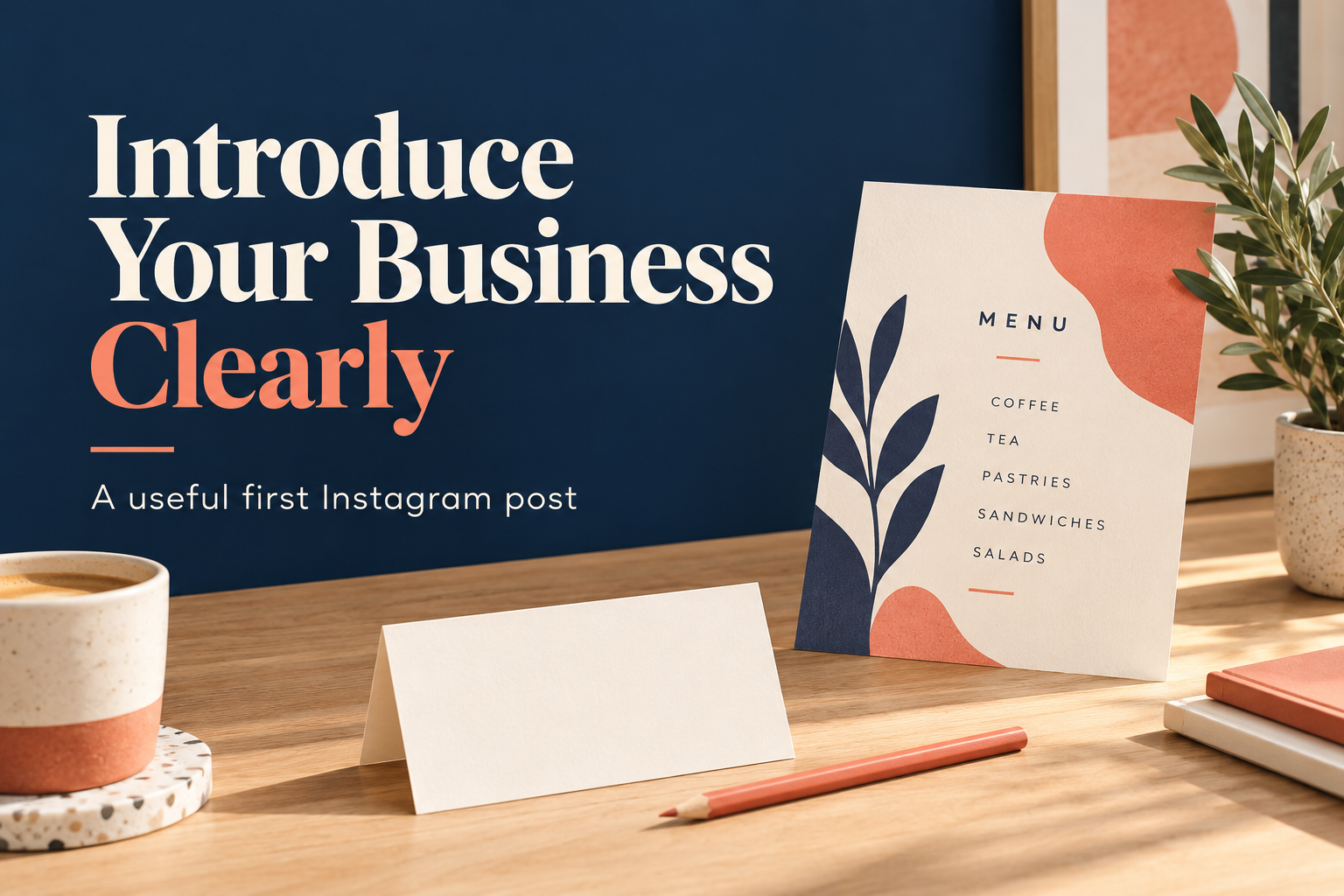
To work out how to introduce your business on Instagram, begin with the person who has never heard of you. They need to understand what you do, whether it is relevant to them and where to go next. A logo and a cheerful welcome can support that introduction, but they do not explain the offer on their own.
Your first post does not need to contain the whole business plan. Give it one useful job: introduce a real product or service clearly enough that an interested visitor can take a sensible next step. The examples in this guide are fictional demonstrations, not reports of actual clients, launches or results.
Make the Introduction Useful Before Telling the Full Story
Write one plain sentence describing the business before deciding how the post should look. Include the product or service and the person it helps. If location changes who can buy, add that detail. A neighborhood bakery and a remote design practice do not need the same opening information.
Consider what the image can contribute. A clear product photograph, a permitted sample of your work or a picture of you doing a real task can make the introduction easier to understand. A mysterious image may create curiosity, but it can also force a new visitor to search for the basic explanation.
Preview’s guide to first posts for introducing a business covers introductions, business stories and problem-and-solution approaches. Use it to choose the purpose of the post. There is no need to follow every idea, publish a puzzle grid or buy a planning tool to make the introduction useful.
Write the Business Story Around a Real Need
A short origin story earns its place when it explains a decision that matters to the customer. What did you notice? What do you make or do in response? What does that mean for the person reading? A specific answer is more useful than an invented dramatic turning point.
A Story with an Observable Detail
Imagine a baker who offers a small weekly menu because that is the amount they can prepare consistently. The introduction can explain the menu and ordering window without calling the business the city’s favorite bakery or inventing sold-out launches. The constraint is part of the real offer, not something to hide with exaggerated language.
If the profile still leaves ordering unclear, the home-baker bio examples offer a related way to think about product, location and order information. A first post and a profile introduction should agree about what is currently available.
Use a Problem-and-Solution Example People Can Follow
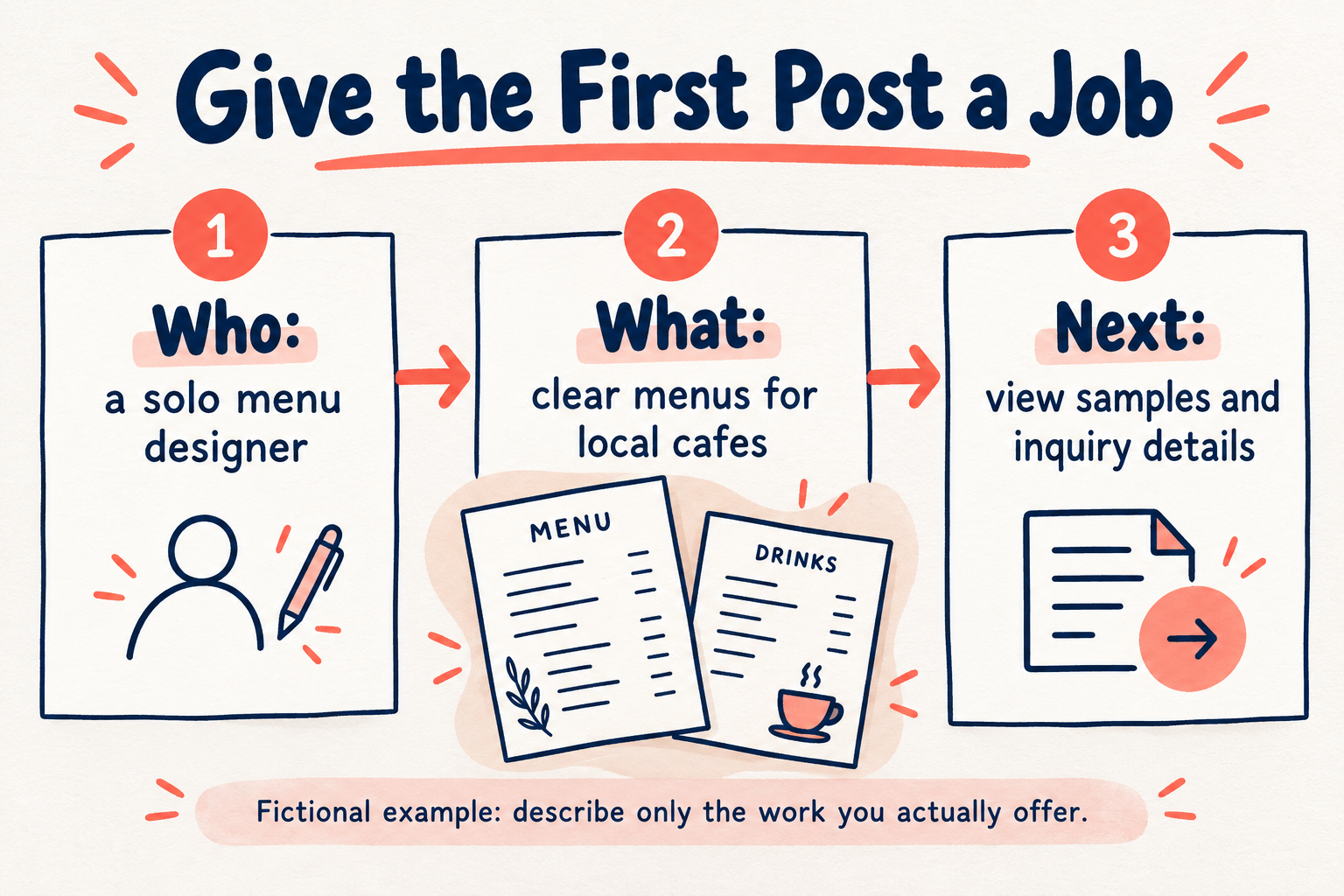
Describe a practical problem without pretending that every reader has it. Then show the part of the problem your actual work addresses. Keep the example narrow enough that someone can understand the service from the post, rather than promising a broad business transformation.
A Fictional Menu Designer’s Introduction
Suppose Maya is a solo designer creating menus for independent cafes. A useful introduction could explain: “I design clear takeout and counter menus for local cafes. This sample shows how I separate items, prices and ordering details. My portfolio has more examples and information about inquiries.” That is enough to identify the person, work and next step without claiming that a layout increased sales.
Label self-initiated samples honestly. If the project belongs to a client, get permission before sharing it and state your actual role. Our graphic-designer caption guide develops that distinction between showing a design choice and inventing a performance result.
Choose One Call to Action for the Introduction
Match the invitation to the action you can support today. A product business might invite readers to browse current stock. A service business might direct them to samples and an inquiry page. A business that has not opened can explain when and where reliable launch information will appear, without accepting orders it cannot fulfill.
Do not ask a new visitor to follow, comment, share, subscribe and buy in the same short introduction. Pick the most useful action for this post. Preview’s business-caption guide explains the role of a call to action; its reported results are not a forecast for your account.
Before posting, follow the destination yourself. Check that it has the information the caption promises and works for someone who is not already familiar with the business. An invitation to view prices should not lead to a page that only says “coming soon.”
Make the Second Post Prove the First One
Plan one useful follow-up instead of repeating the introduction in slightly different words. The menu designer could explain a real layout decision. The baker could show the current menu and order process. A maker could demonstrate the scale or construction of an available piece. Each follow-up supplies evidence for something the first post introduced.
Keep private customer information out of the images, use only permitted material and correct the introduction when the offer changes. The aim is a coherent path from a first impression to a useful answer, not a polished welcome followed by an empty account.
Related reading: if you need separate destinations for a shop, portfolio or inquiry process, the guide to adding multiple Instagram bio links helps you consider that setup. Give each link a clear purpose so the introduction remains easy to act on.